Throw Sim beginner guide
Everything you need for your first hour in Throw Sim (Throw Simulator) on Roblox.
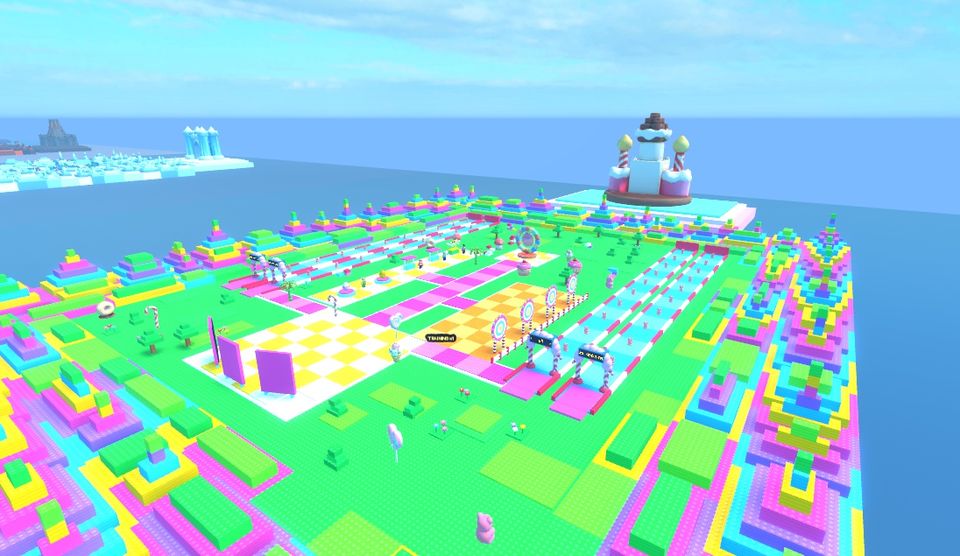
1. Train your Strength
Hit the training targets to gain Strength. Each hit gives ball Power x the world's training multiplier x your boosts. You start in Candy Coast with the free Rubber Ball, so buying the Fuzzy Ball (30 Wins) and the Gumball (250 Wins) early makes a big difference.
2. Throw down the lanes for Wins
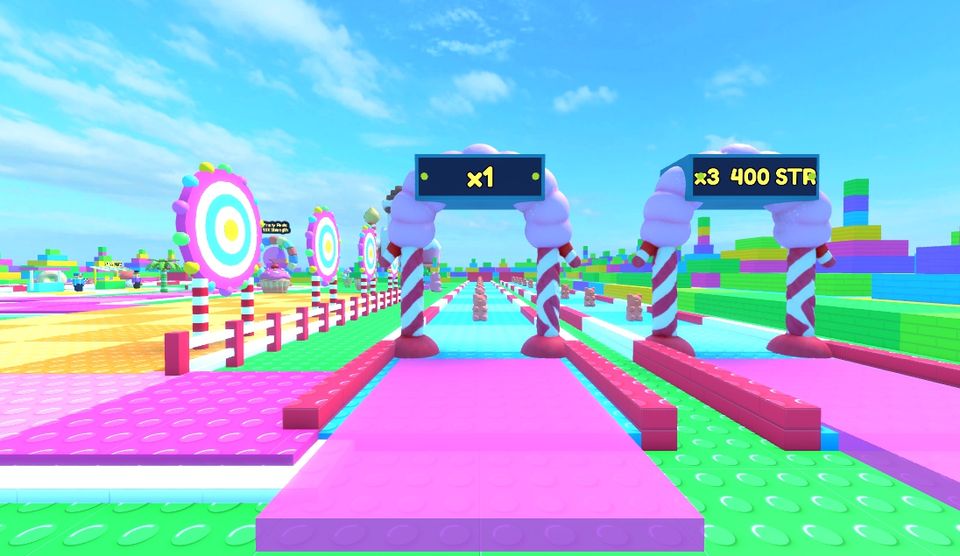
Throw your ball down a lane. The stronger you are, the further it goes and the more props it smashes (up to 10). Each prop gives Wins, and the gate multiplies them. In Candy Coast the x3 gate needs 400 Strength, x10 needs 3.2K and x70 needs 24K. Always use the best gate you can.
3. Spend Wins
- Balls raise the Strength from every hit. Each new ball doubles the Power.
- Trails add a Strength boost. The first, Sprinkles, costs 400 Wins.
- Eggs hatch pets that boost Strength. The Candy Egg costs 60 Wins. Equip your best 3 pets.
4. Open the next world
When you reach 10K Strength, the portal to Frosty Peaks opens. Every world has a stronger training multiplier, better eggs and better balls. See all world requirements.
5. Rebirth
At 60M Strength you can rebirth. You lose your Strength and go back to Candy Coast, but keep your Wins, pets, balls and trails, and your Strength multiplier becomes x1.95. Read the rebirth guide.
6. Claim free rewards
| Day | Reward |
|---|---|
| Day 1 | 100 Wins |
| Day 2 | 200 Wins |
| Day 3 | 500 Strength |
| Day 4 | 500 Wins |
| Day 5 | 2K Strength |
| Day 6 | 1.5K Wins |
| Day 7 | 3K Wins + Loyal Puffin pet |
| Play time | Reward |
|---|---|
| 5 minutes | 50 Wins |
| 10 minutes | 1K Strength |
| 15 minutes | 250 Wins |
| 25 minutes | 5K Strength |
| 40 minutes | 1.5K Wins |
| 60 minutes | 5K Wins |
Wins rewards grow with the highest world you have reached. Amounts shown are for Candy Coast.
Optional passes
Throw Sim is free. These optional Robux items exist (prices as of the current build, check in game):
- 2x Strength: Doubles Strength gained. (199 Robux)
- 2x Wins: Doubles Wins earned from throws. (249 Robux)
- +1 Pet Slot: One more equipped pet slot. (149 Robux)
- Auto Throw: Throws automatically. (99 Robux)
- VIP: +10% Strength and Wins, plus a VIP tag. (299 Robux)
- Starter Pack: 1K Wins, the Starter Sprite pet (Epic, +100% Strength) and the Gumball. One per account (49 Robux).
- Strength Packs S, M and L (19, 79, 299 Robux). The amount grows with your highest world.
Last updated: